

Download the app:


Download the app:

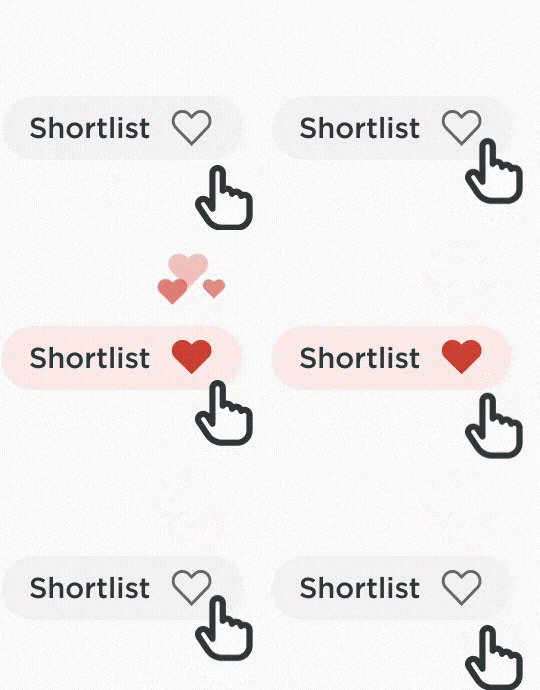
Create a shortlist of cars you like using the heart button and come back to your saved list at any time.

Use our 'scan reg' feature to scan any car's registration plate. If we have that car in stock, we'll show you the car and its specifications. If it's not, we'll show you similar vehicles.
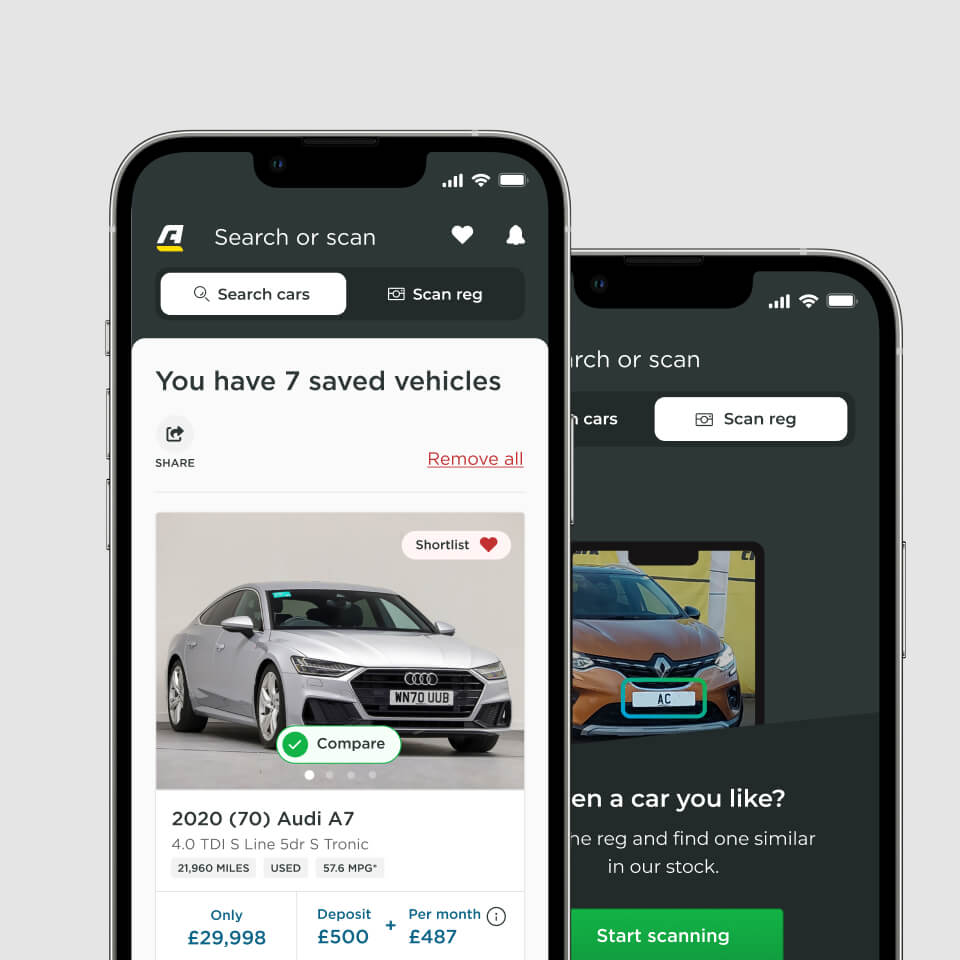
Anyone can create an account on the Arnold Clark app.
If you bought a car from Arnold Clark from October 2019 onwards, you can access additional features too. All you need to do is create an account and you can view your important car documents and join our customer rewards scheme, Arnold Clark Rewards.
Once you've bought a car, you can also claim your first reward in the app, which will be given to you when you collect your new car.
Choose from:
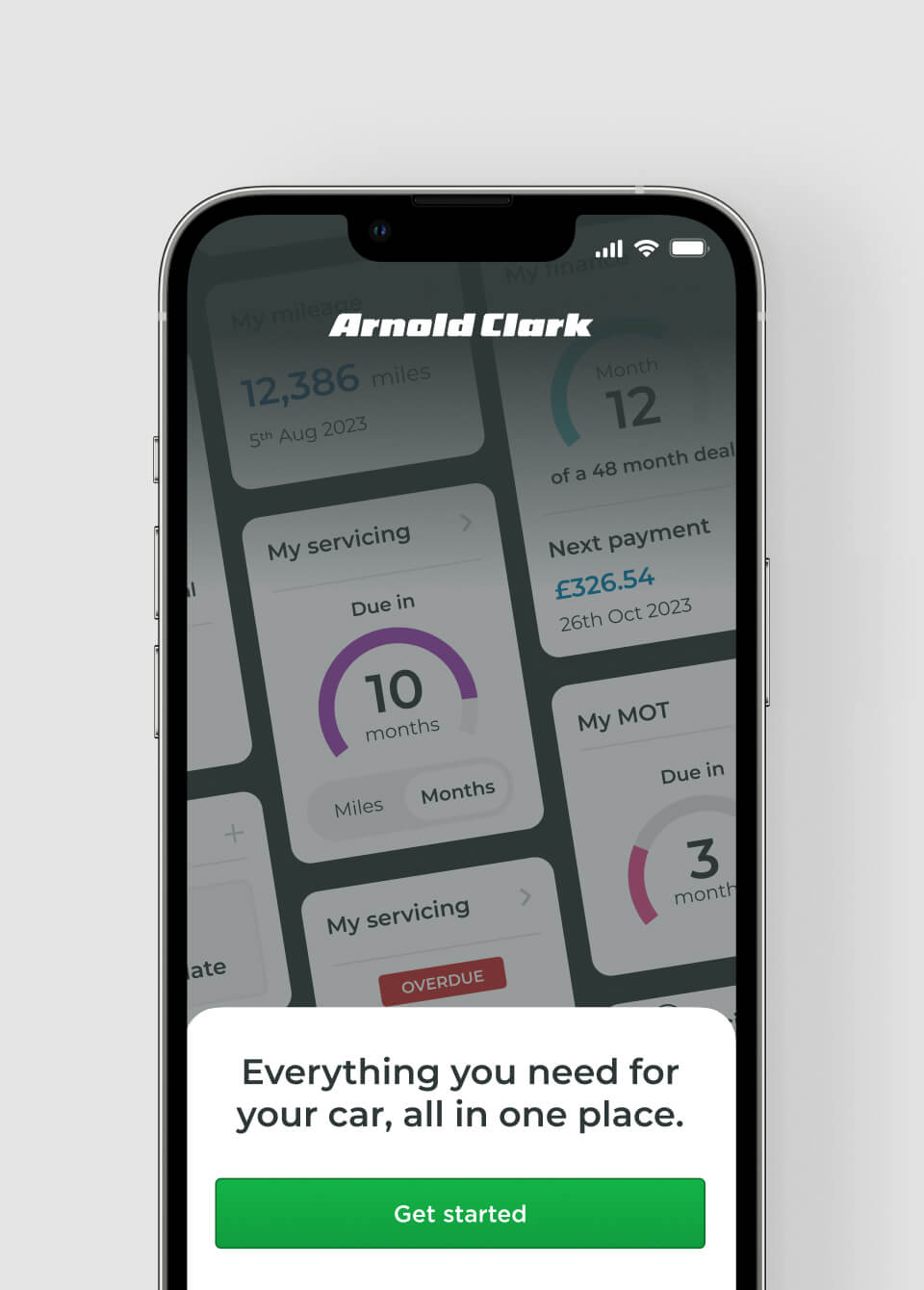
Bought a car from Arnold Clark? Make the most of your vehicle ownership with these key features.
Access all your important vehicle documents easily, such as your Sales Agreement, in one handy place.
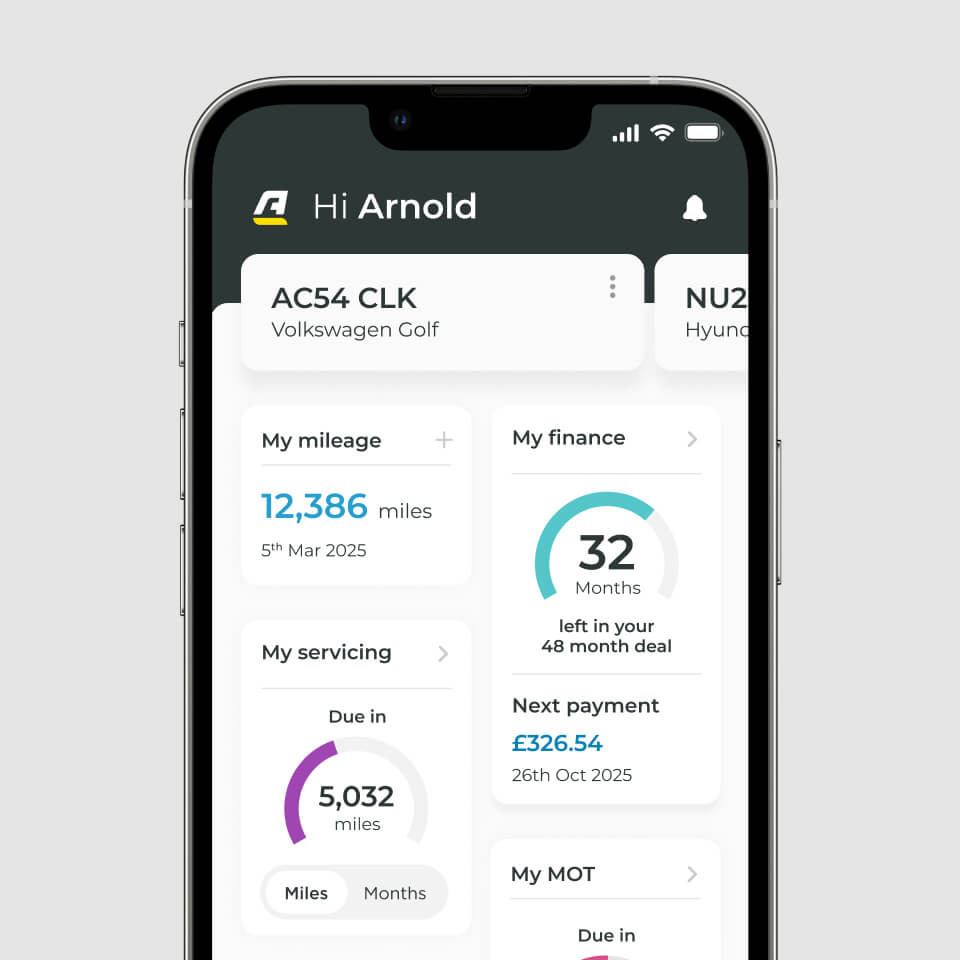
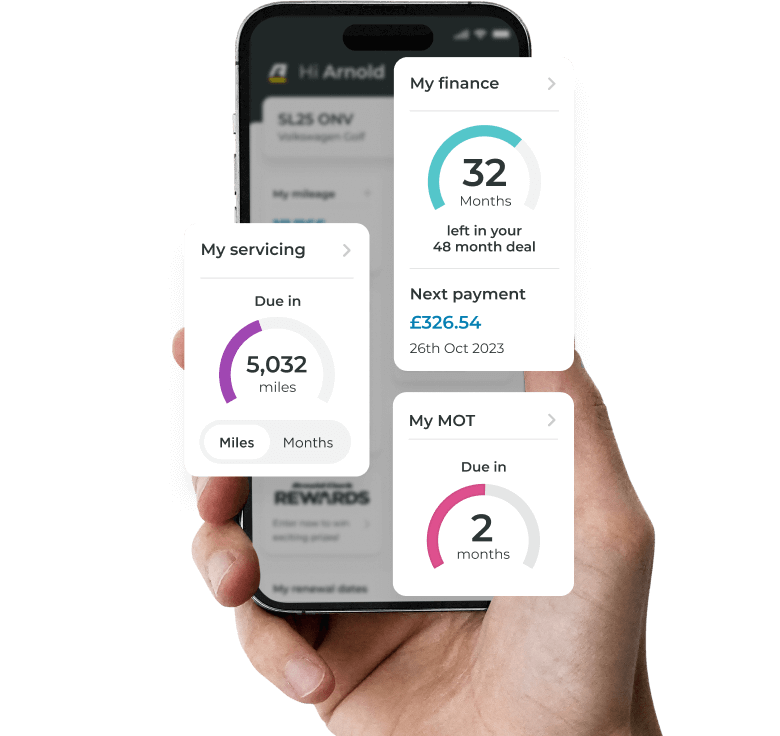
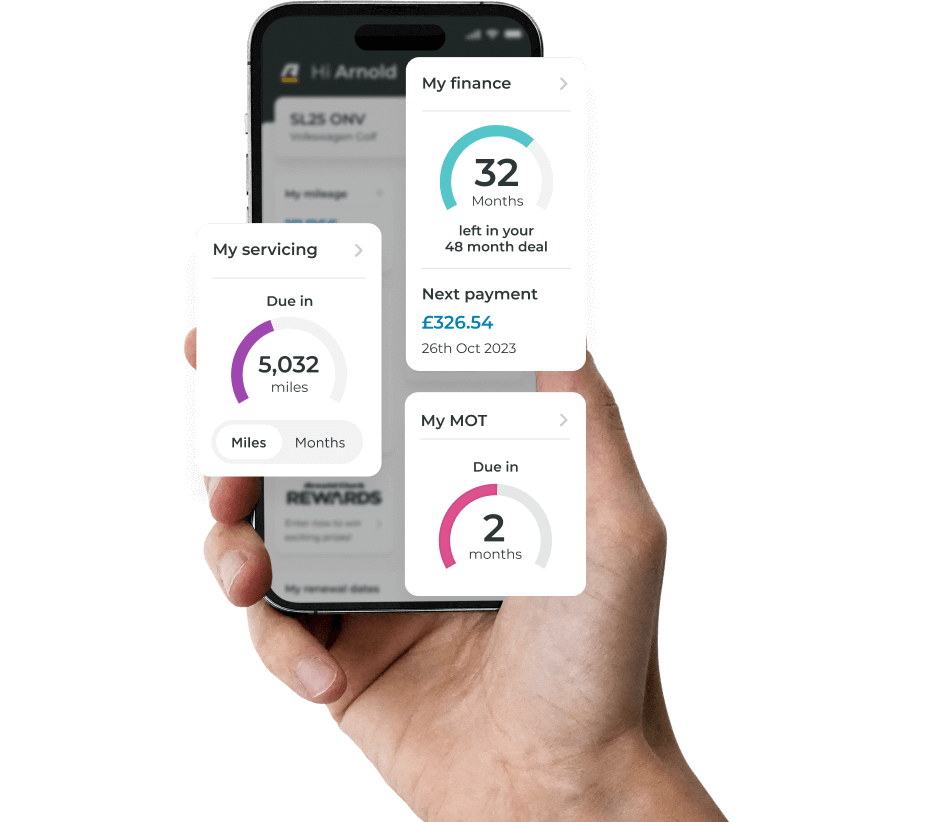
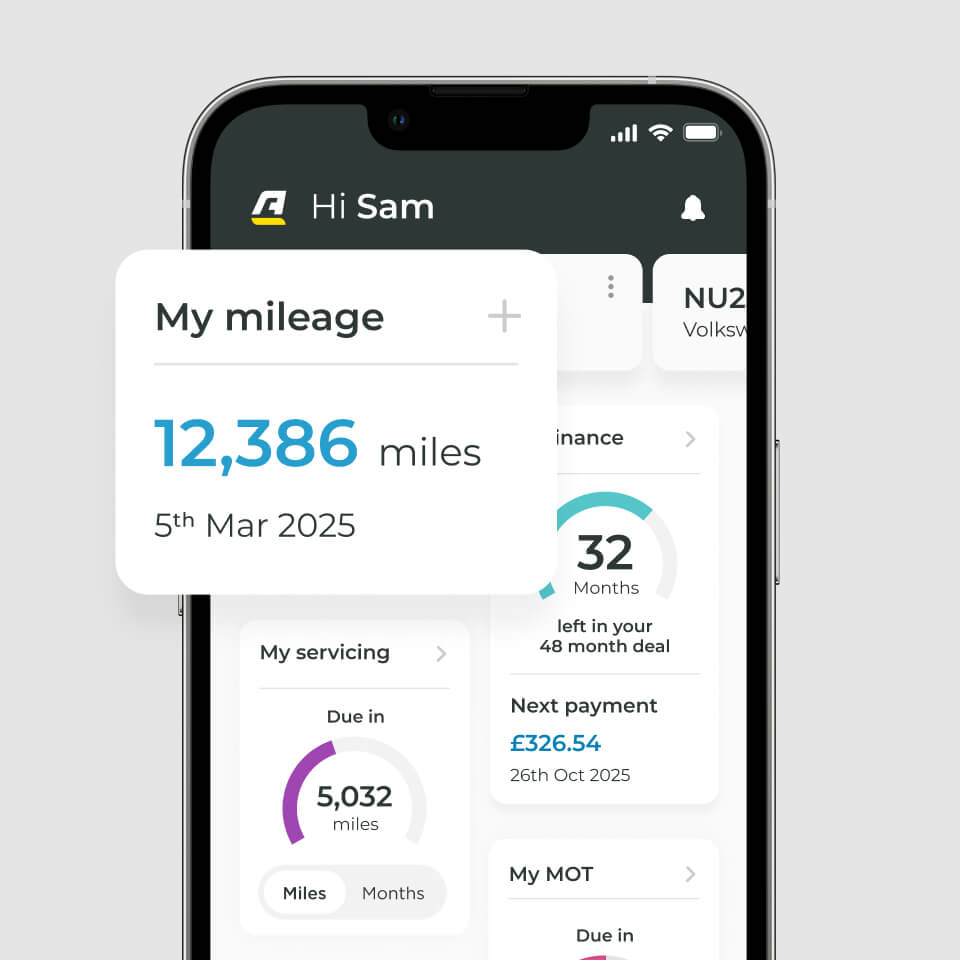
Keep up to date with your finance agreement, track how many months you have left on your deal and when your next payment is due.
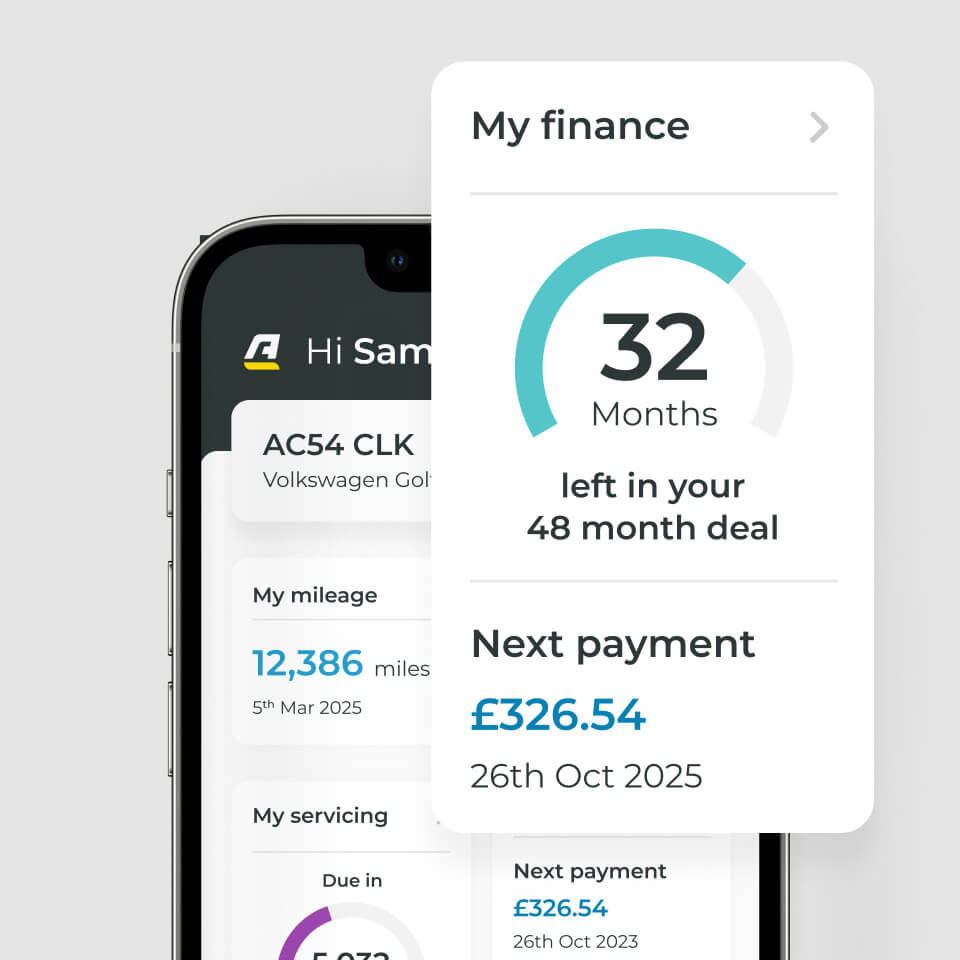
Keep on top of your vehicle mileage.
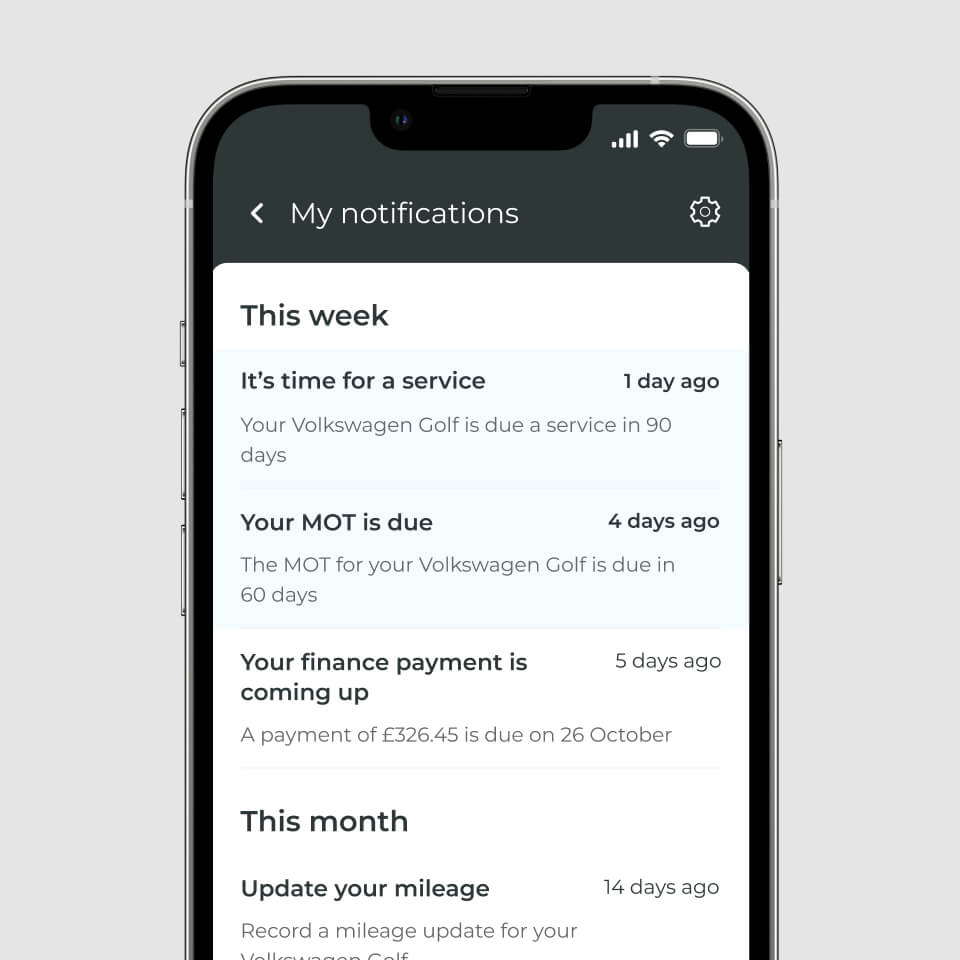
Get personalised notifications for all the dates you can't miss by setting service, MOT, insurance and road tax reminders.
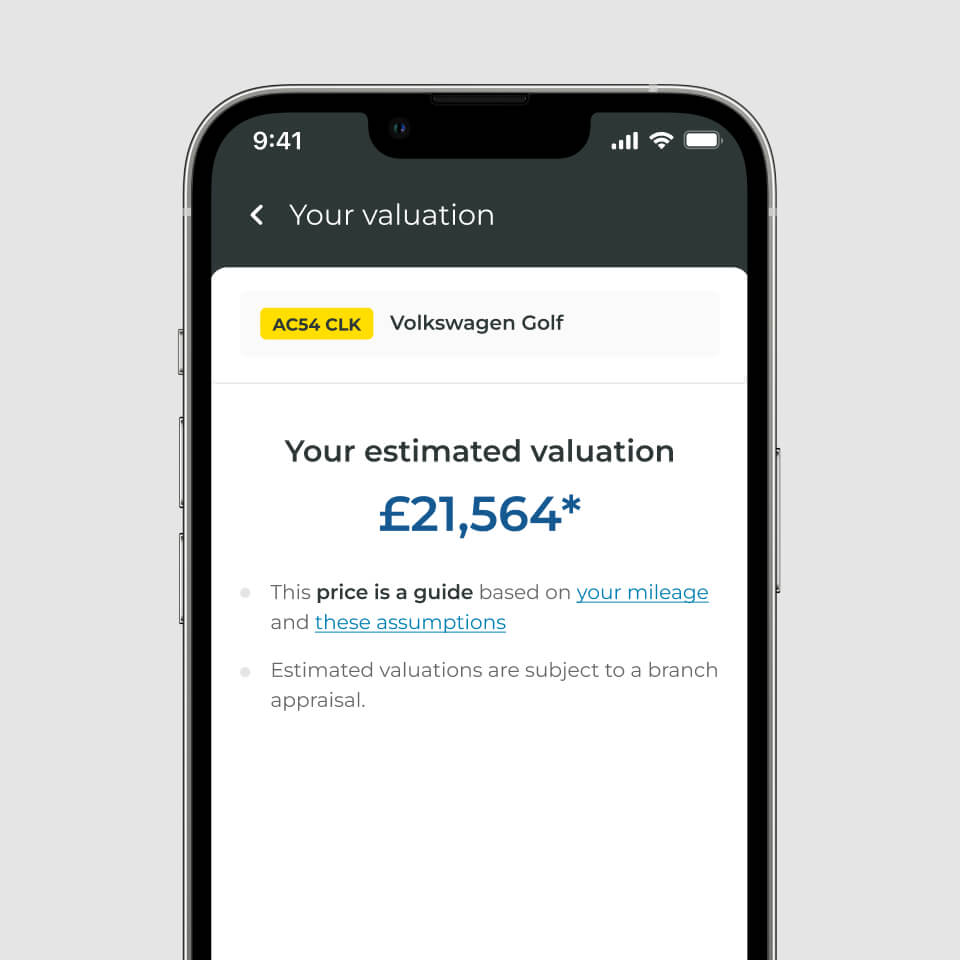
Use our valuation and upgrade feature to get an accurate value for your car.
Arnold Clark Charge is our bookable, ultra-rapid charging network, spanning from Aberdeen to Southampton.

Use the Arnold Clark app to benefit from great-value charging, of just 55p per kWh.
Book a charge up to seven days in advance in the app, meaning there's no need to wait for a charger to become available.

Find your closest charger and its availability with our interactive map in the app.
Become an Arnold Clark Rewards member by opting in on the Arnold Clark app.
Enter the draw to win back the cost of your car!

Gain access to exclusive prize draws for sporting tickets, music events or even a free holiday.

Enjoy discounts on everyday purchases, such as car washes, airport parking or food items.

Claim free items such as a coffee for your commute, sweets and other everyday treats in our regular giveaways.
Whether you're searching for your next car or already own one, our app offers everything you need, all in one place.
Download the app:
Download the app:
Yes, the Arnold Clark app is free to all users, and the Arnold Clark Rewards section is accessible to all customers who have purchased an Arnold Clark car from October 2019 onwards.
Yes - you can use our app to browse our wide range of vehicles, scan a registration plate and find your next car. Although, some of the app's features are only available to users with an Arnold Clark account.
Anyone can create an Arnold Clark account. By creating an account on the Arnold Clark app, you can access features such as Arnold Clark Charge. However, when you buy a car from Arnold Clark, you can access additional features, such as all your important vehicle documents and Arnold Clark Rewards.
You can create an account by signing up through this form on our website, or head to the 'Log in' area of the app and follow the setup instructions by clicking on 'Get started'.
Please check the email address you are using to log in. You can only log in to your Arnold Clark account using the email address provided when purchasing your car. Our Customer Services team are also on hand to help with any questions.
Your password can be reset or changed in the 'More' section of the app under 'Your account'. If you have forgotten your password, you can click 'Forgot Password' within the login window and follow the instructions in the email sent to the address you used when your account was created. Our Customer Services team are also on hand to help with any queries.
To update your contact details, log in to your account via the app, head to 'More' and contact our Customer Services team under 'Get in touch'.
If you'd like to close your account, please get in touch with our Customer Services team who will be happy to help.
If you have any queries, head to the 'More' section of the app and get in touch with our Customer Services team via phone or email.
Notifications can be switched on through the 'More' section of the app. Please ensure you have your notifications enabled through your phone settings too.
The app is available on both iOS and Android. Download it from the App Store or Google Play.
Yes - the app can be downloaded and used while abroad.
Users must be over the age of 18 to use the app.